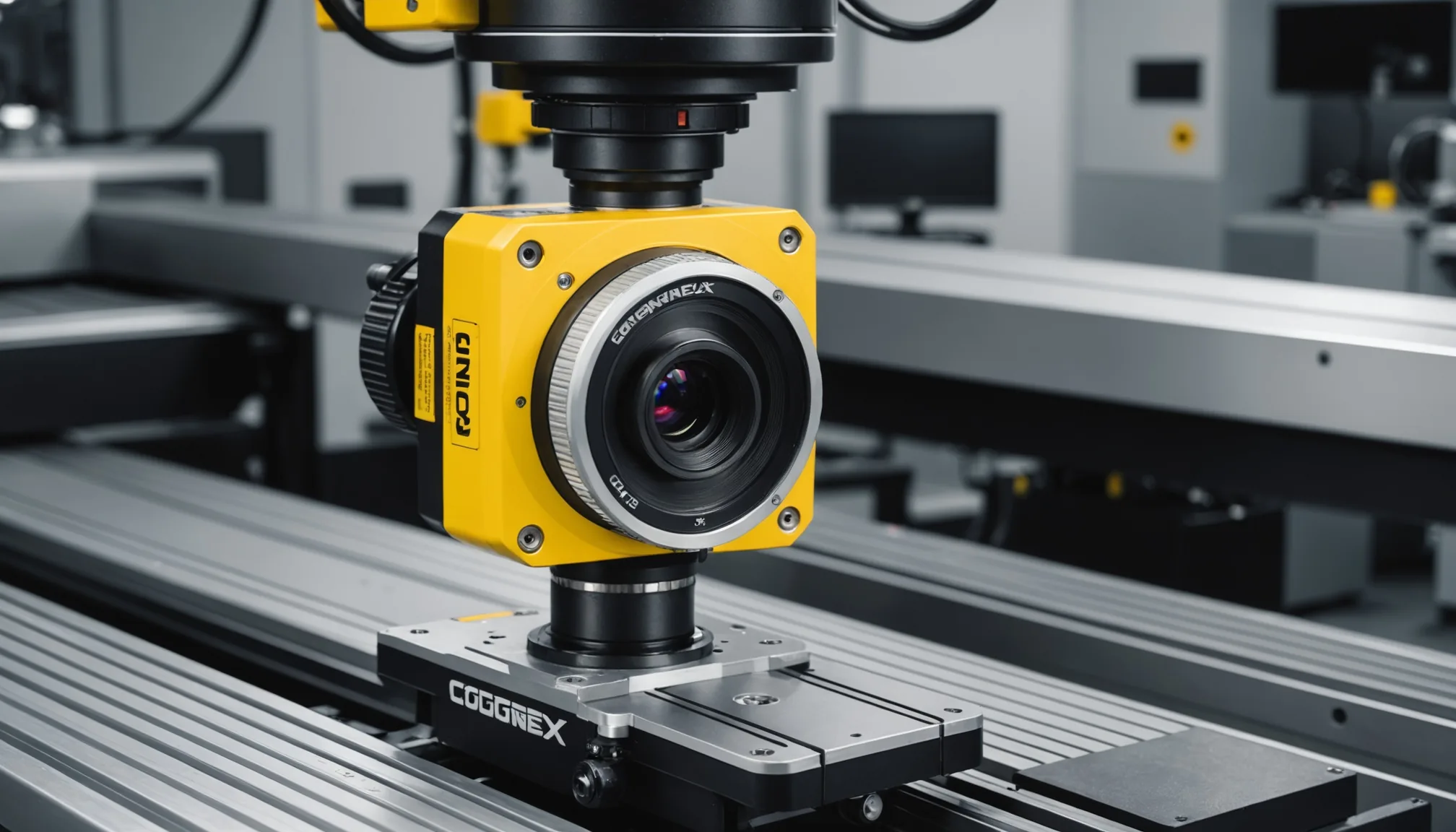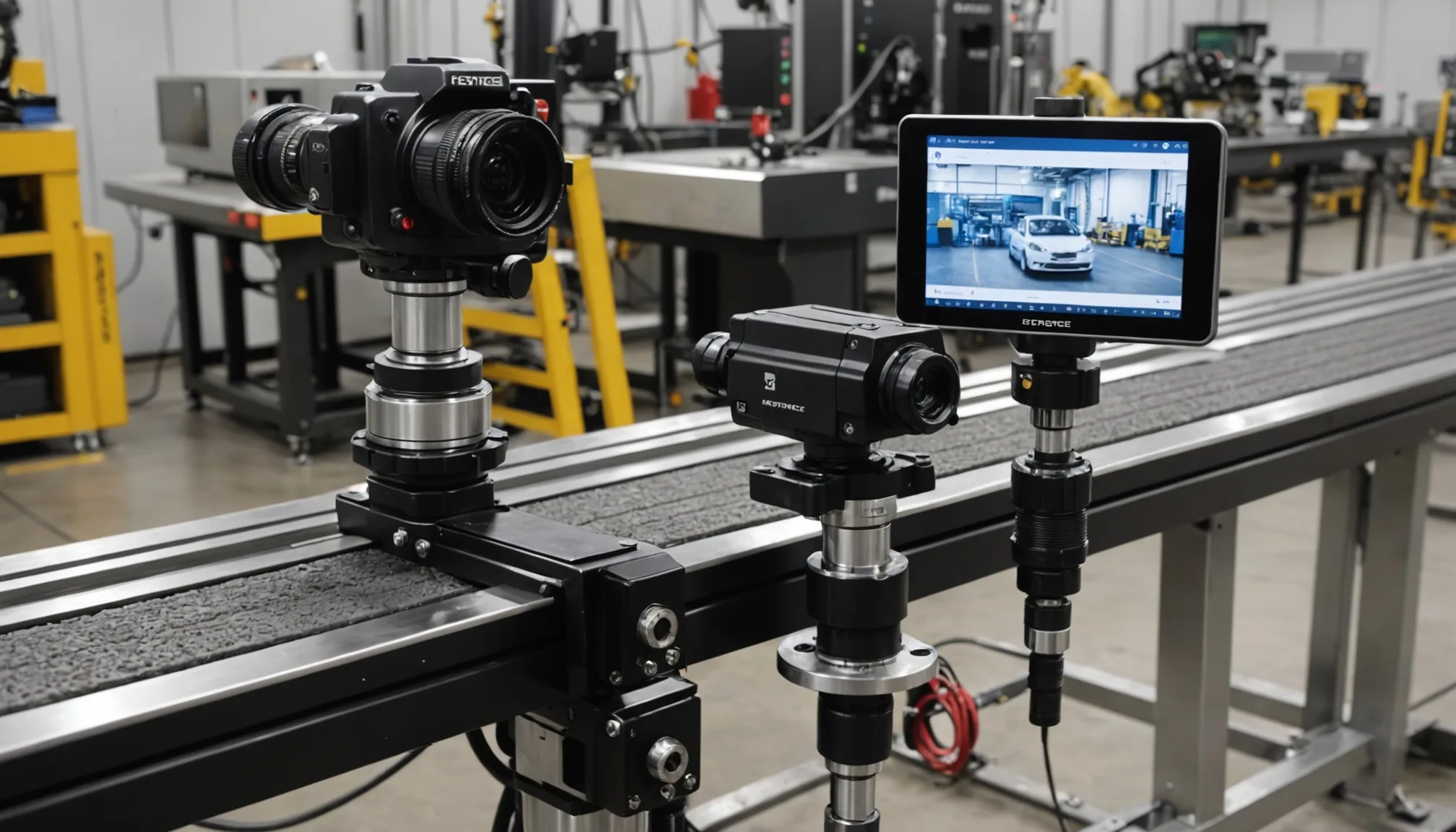

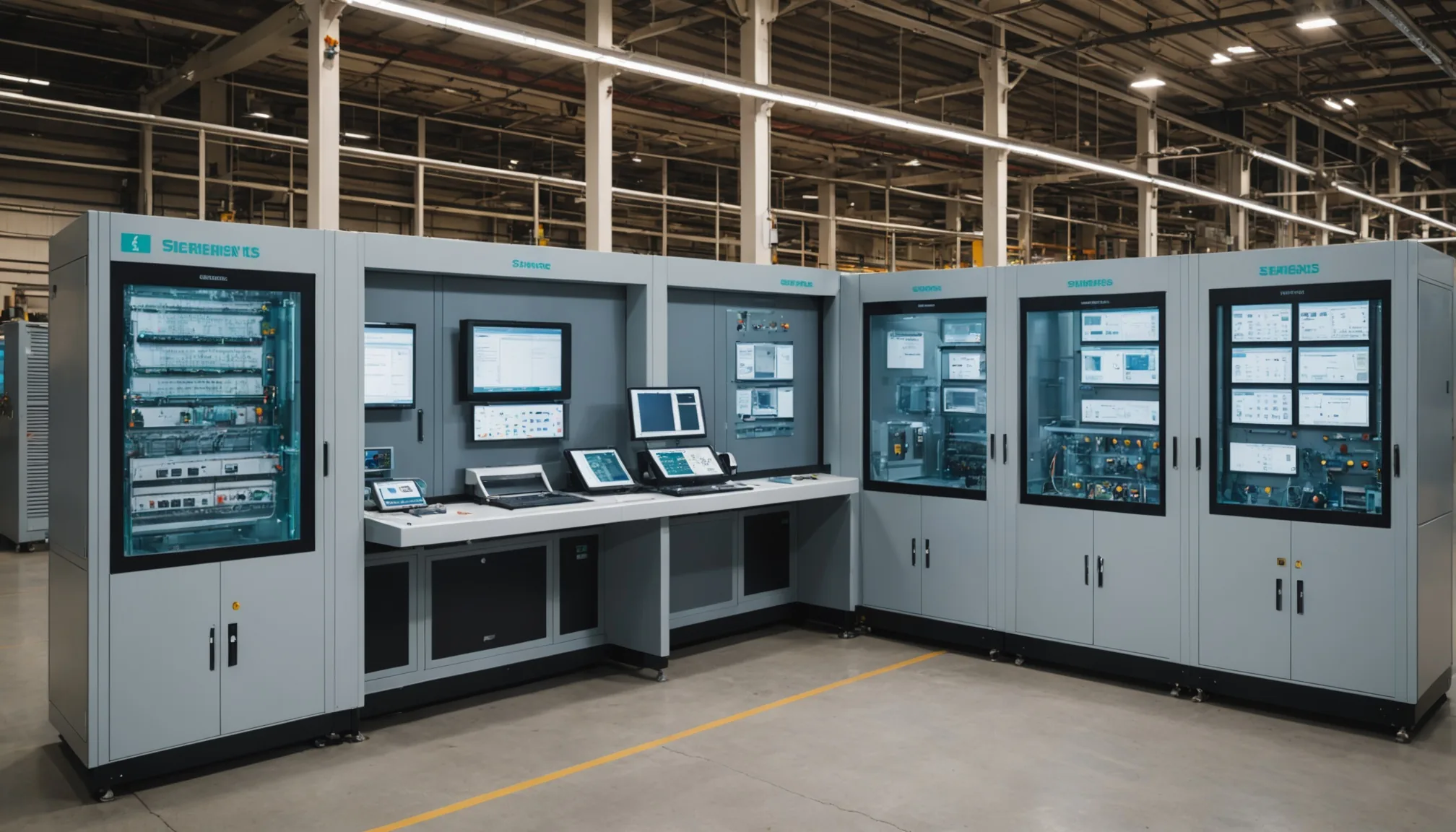
Most Siemens Simatic S7 lines already have a divert chute. The reject cylinder fires on a single bit. What they don't have is a clean path to get an AI vision result into that bit without routing it through a separate SCADA layer, a middleware PC, or a full PLC program rewrite. We've integrated vision inspection into S7-300, S7-1200, and S7-1500 series controllers across automotive and consumer goods lines. Here's exactly how that wiring looks.
Why OPC-UA Over Discrete I/O
The obvious approach is discrete I/O. Wire the vision PC's digital output relay directly to a PLC input, map that input to the divert coil in your ladder logic, done. It works. We've seen this running on lines unchanged since 2009. The problem is state. A discrete signal is a pulse or a level -- you lose the inspection result detail, the confidence score, the part ID. When your quality engineer asks why part 47,231 was diverted on Tuesday at 2:14 AM, the PLC event log says "input went high." Full stop.
OPC-UA gives you a structured data model. The vision system writes a result object: pass/fail decision, defect class, confidence, timestamp, image reference. The S7 reads the pass/fail node for its divert logic and the SCADA or MES reads the full object for traceability. One physical interface, two consumers. For lines that already have a Simatic HMI on TIA Portal, adding OPC-UA variable reads is maybe four hours of engineering time. No new screens required.
That said: discrete I/O is still the right call when cycle time is under 200 ms and you need deterministic handshake timing. OPC-UA polling overhead on a standard Ethernet connection typically adds 20 to 50 ms of latency. On a 400-part-per-minute line, that matters. On a 60-part-per-minute line, it doesn't.
OPC-UA Communication Architecture
The vision inspection PC runs an OPC-UA server. The S7 PLC -- assuming S7-1200 or S7-1500 with firmware 4.1 or higher -- has a native OPC-UA client built into TIA Portal. Older S7-300 and S7-400 hardware requires a CP 343-1 or CP 443-1 Advanced communication processor to add OPC-UA capability. That's added hardware cost, but the programming model is identical.
| PLC Series | OPC-UA Client Support | Required Module | Notes |
|---|---|---|---|
| S7-1500 | Native (FW 2.0+) | None | Recommended for new installs |
| S7-1200 | Native (FW 4.1+) | None | Client only, no server capability |
| S7-300 | Via CP module | CP 343-1 Advanced | Legacy lines, plan for retrofit cost |
| S7-400 | Via CP module | CP 443-1 Advanced | Same pattern as S7-300 |
The vision server exposes a namespace with at minimum three nodes: InspectionResult/PassFail (Boolean), InspectionResult/DefectClass (String), and InspectionResult/PartID (String). The PLC OPC-UA client block in TIA Portal subscribes to the PassFail node with a 100 ms polling interval. When the bit goes false, the existing divert coil output activates through the same rungs that previously fired on a manual reject button input.
Critically: you are adding a new input source to existing ladder logic. Not replacing it. The manual override, E-stop interlock, reject confirmation -- all of that stays exactly as-is. Operators don't notice any change in how the line behaves.
Commissioning Steps: What 2 to 4 Days Looks Like
In our experience, a clean single-station integration runs 2 days for S7-1200/1500 and 3 to 4 days for S7-300 with CP module installation. Here's the actual sequence:
- Day 1 -- Network and server setup. Install the vision PC on the machine network (isolated VLAN if site policy requires). Configure the OPC-UA server certificate. Verify the S7 can reach the server endpoint -- this is where most delays happen. Industrial network segmentation can silently block OPC-UA port 4840 TCP without obvious error messages.
- Day 1-2 -- TIA Portal OPC-UA client configuration. Import the server NodeID list, create the OPC-UA client connection block (TCON + OPC-UA_Client), map the PassFail node to a DB bit. Compile and test in simulation mode with forced node values before going live on the line.
- Day 2-3 -- Ladder logic modification. Add the OPC-UA result bit as a parallel input branch to the existing reject coil rung. Add a 500 ms hold timer so the divert cylinder has time to actuate fully before the bit clears. Test with a series of forced pass and fail results at full production speed.
- Day 3-4 -- HMI update and sign-off. Add a single diagnostic page to the existing Simatic HMI showing OPC-UA connection status and last inspection result. No new SCADA screens, no new server licenses. Use the TIA Portal HMI tag editor to pull from the same DB the client block writes to.
HMI Integration Without New SCADA Screens
Here's the thing: you don't need to add a SCADA layer. Real talk -- SCADA is often proposed because it's the familiar tool, not because the application actually requires it. For a single-station pass/fail decision feeding an existing divert chute, the data footprint is small.
The Simatic HMI already connected to your S7 can display the OPC-UA result directly. The PLC client block writes the result into a data block. The HMI already reads that PLC's data blocks. So you add three new tag reads: defect class, pass/fail status, last part ID. Put them on a dedicated diagnostic tab on the existing machine HMI. Operators see live inspection status with no change to their normal workflow screens.
For multi-station lines, the same approach scales. Each station's PLC client block writes to its own DB. The line-level HMI aggregates across stations using existing PLC-to-PLC communication that's probably already in place. We've rolled this across 8-station lines without touching the SCADA configuration at all.
Rockwell FactoryTalk Vision as Alternative
If your facility runs Allen-Bradley PLCs alongside Siemens equipment -- not uncommon in mixed-vendor plants -- FactoryTalk Vision ME/SE is the Rockwell equivalent path. The architecture is similar: OPC-UA or EtherNet/IP I/O tag bridging between the vision PC and ControlLogix or CompactLogix. FactoryTalk adds a licensed SCADA layer where TIA Portal's approach is closer to a direct DB integration.
Honestly, for single-station or small multi-station deployments, the Siemens approach without FactoryTalk is faster to commission and lower cost. Rockwell wins in facilities that already have FactoryTalk SE deployed at the line level and need vision data in the existing historian. In that case, adding the vision result as another FactoryTalk tag source is cleaner than running a parallel integration path.
Common Integration Mistakes
Three issues we see repeatedly in the field. Worth knowing before you start.
First: not accounting for inspection latency in conveyor timing. If your vision result takes 80 ms to post and your conveyor runs at 0.3 m/s, the part has moved 24 mm by the time the divert fires. Account for this in your activation delay logic or you'll reject the wrong part.
Second: certificate expiration. OPC-UA server certificates default to 1 year in most vision software. Set a calendar reminder now or the connection silently drops at the worst possible time -- usually mid-shift during a high-volume production run.
Third: DB bit clearing. If the PassFail bit doesn't clear between parts, a fast-cycling line misses reject signals. Every time. The vision server needs to write a neutral idle state between each inspection cycle, not just write fail when a defect occurs.
Practical note: test your integration at 110% of rated line speed before sign-off. Timing margins that look comfortable at nominal speed often evaporate when production is running fast during end-of-shift catch-up cycles.
Pre-Go-Live Verification Checklist
- OPC-UA connection restores automatically after PLC power cycle (check TCON block reconnect logic)
- Divert actuates within 300 ms of a fail result posting to the server node
- Manual override and E-stop behavior unchanged from pre-integration baseline
- HMI diagnostic page shows correct connection status and last inspection result
- Server certificate validity period documented, renewal reminder set
- DB bit clears correctly between each part cycle at maximum rated line speed
- Tested at 110% rated speed with no timing failures over 500 consecutive cycles
The integration itself is not complicated. What makes it reliable is getting the timing logic right and not skipping edge case testing. A vision system that correctly identifies 99.2% of defects but fires the divert 50 ms too late is just expensive false confidence. Get the mechanics right and the traceability value follows naturally.